
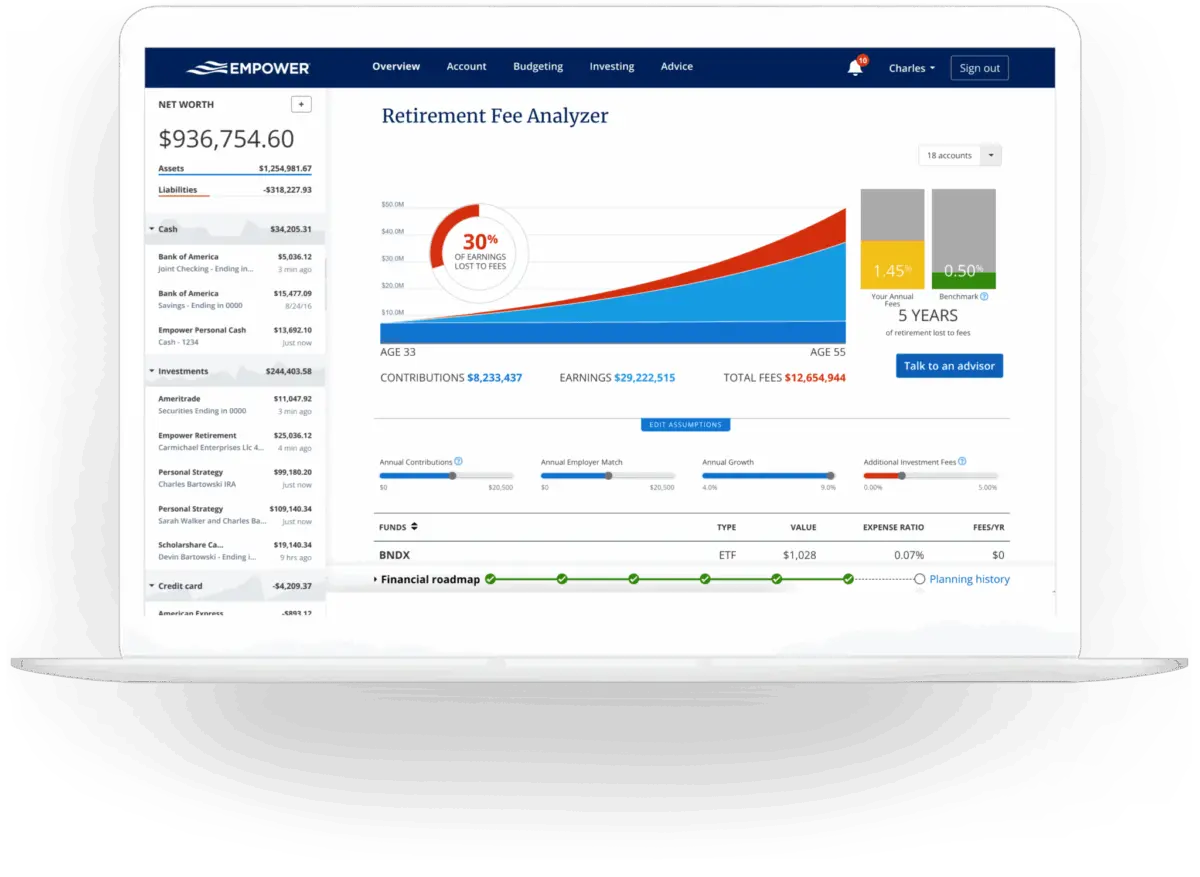
Managing personal finances often feels like a fragmented chore, scattered across numerous banking portals, credit card applications, investment platforms, and loan servicing websites. For years, users seeking a unified overview have turned to Empower—formerly known as Personal Capital—to aggregate 100% of their financial lives onto a single dashboard. Available as a completely free digital tool for budgeting, net worth tracking, and portfolio analysis, the platform has established a strong reputation among consumers, boasting a 4.8-star rating with over 366,000 reviews on the Apple App Store and a 4-star rating across nearly 30,000 reviews on Google Play.
At its core, Empower delivers a comprehensive, real-time snapshot of overall financial health by automatically syncing checking, savings, credit card, loan, retirement accounts such as 401(k)s and IRAs, and mortgage accounts. Beyond basic cash flow and net worth monitoring, the software provides sophisticated investment tracking features, including asset allocation analysis, investment fee breakdowns, and dedicated retirement planning calculators.
Getting Started and Linking Accounts
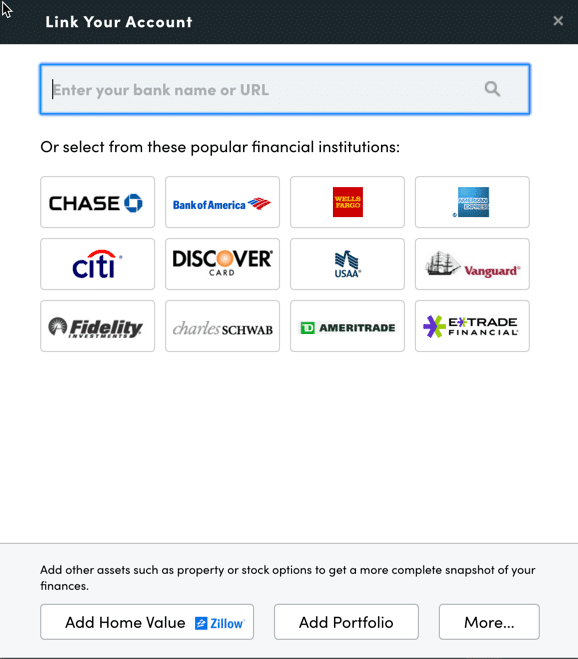
Beginning with Empower requires signing up for a free account and systematically connecting all relevant financial institutions. While the platform gained widespread acclaim for its investment analytics, its utility extends far beyond the stock market. Users can link virtually any financial account that offers online access by supplying the appropriate username and password, searching for the institution within the "Link Your Account" dialog box accessed via the dashboard, or searching by website URL. For rare instances where an institution cannot be electronically linked, manual entry options remain available.
Connecting a wide array of accounts unlocks the full spectrum of Empower’s capabilities, moving far beyond basic investment monitoring to encompass budgeting, net worth tracking, cash flow analysis, and bill management. While new users must connect at least one account to initialize the system—ranging from a simple credit card to a complex brokerage portfolio—failing to link investment accounts diminishes the platform’s advanced wealth-management features.
Once accounts are connected, configuring the settings and profile sections is critical. Accessible via the user profile in the top-right corner of the interface, settings allow individuals to manage email subscriptions for daily or weekly income, spending, and investment updates, choose whether to include investment income and dividends in cash flow metrics, and manage security protocols. Multi-factor authentication is heavily recommended, alongside login alerts triggered by connection attempts from foreign countries. The platform also maintains an audit log of authorized devices and their last sign-in dates, allowing users to prune inactive hardware. Meanwhile, the profile section captures vital demographic, income, savings, and investment objective data utilized by the platform’s forward-looking planning calculators.
The Central Dashboard and Net Worth Tracking
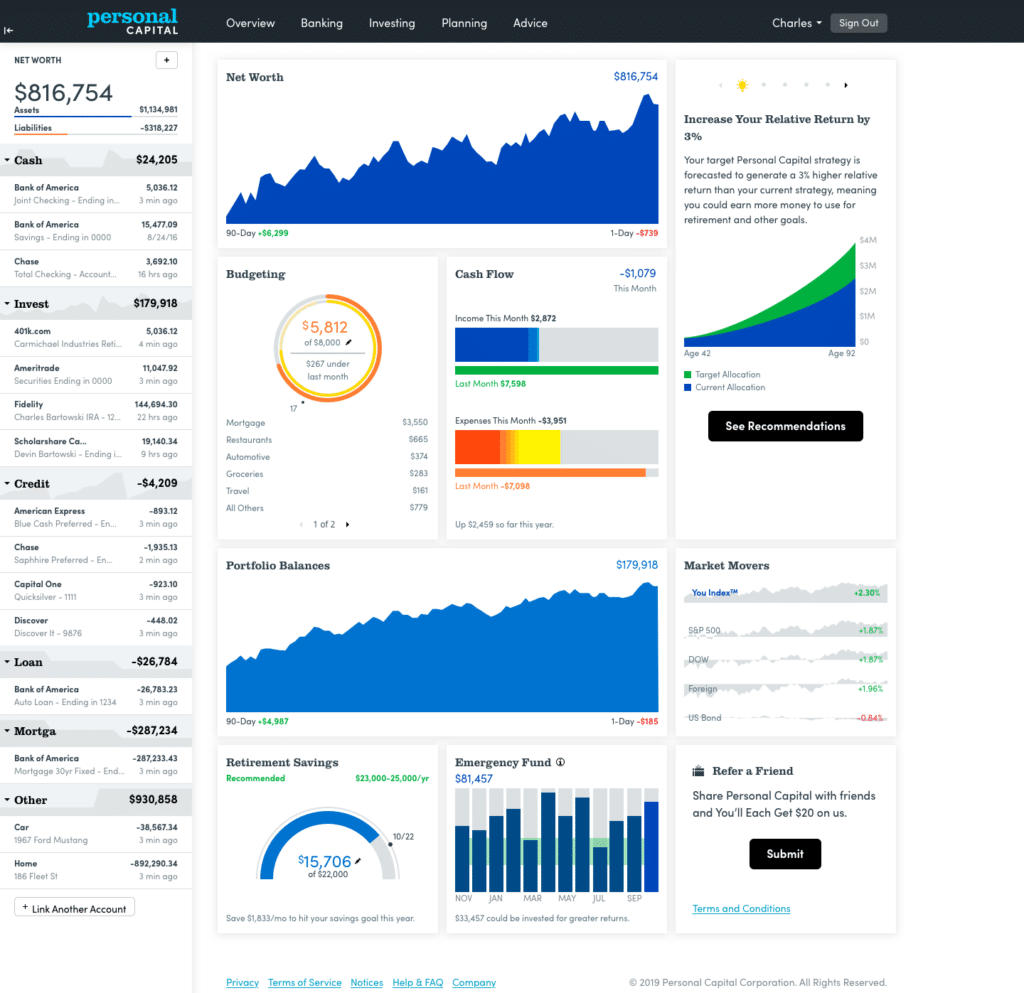
The central dashboard aggregates all linked data into a single, intuitive interface, offering an immediate visual summary of net worth, monthly budgets, cash flows, active investments, and progress toward emergency savings and retirement goals.
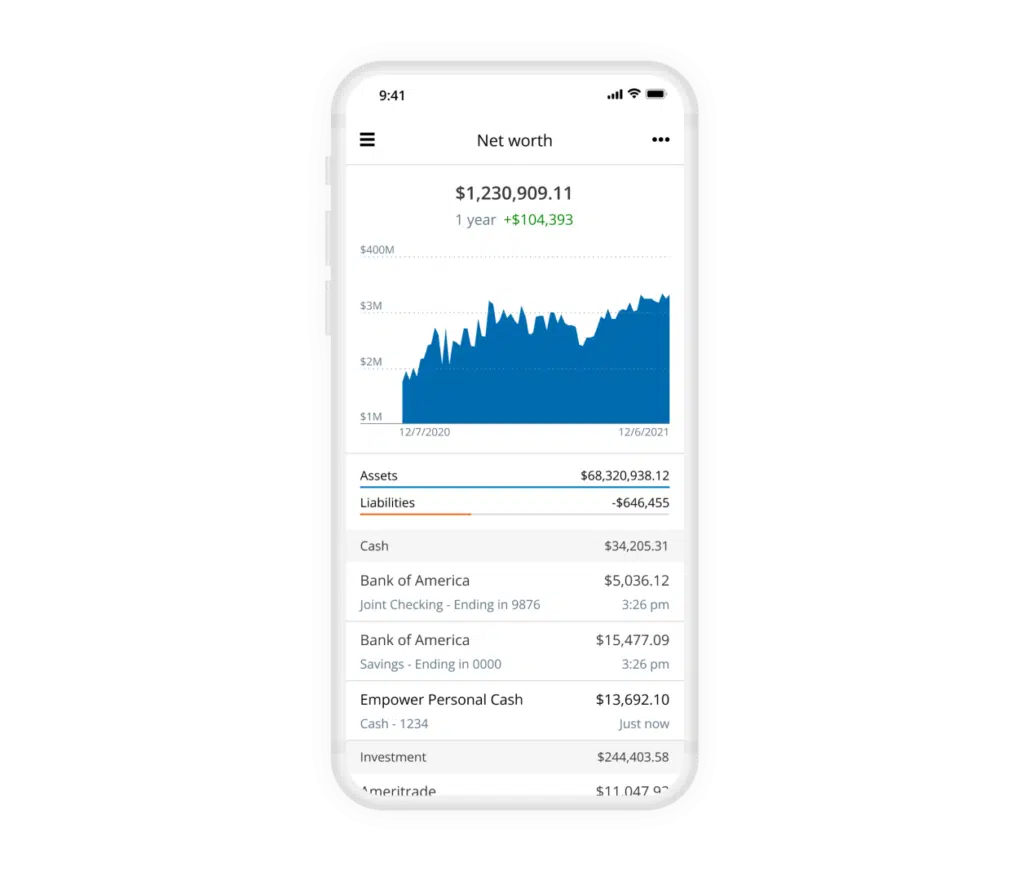
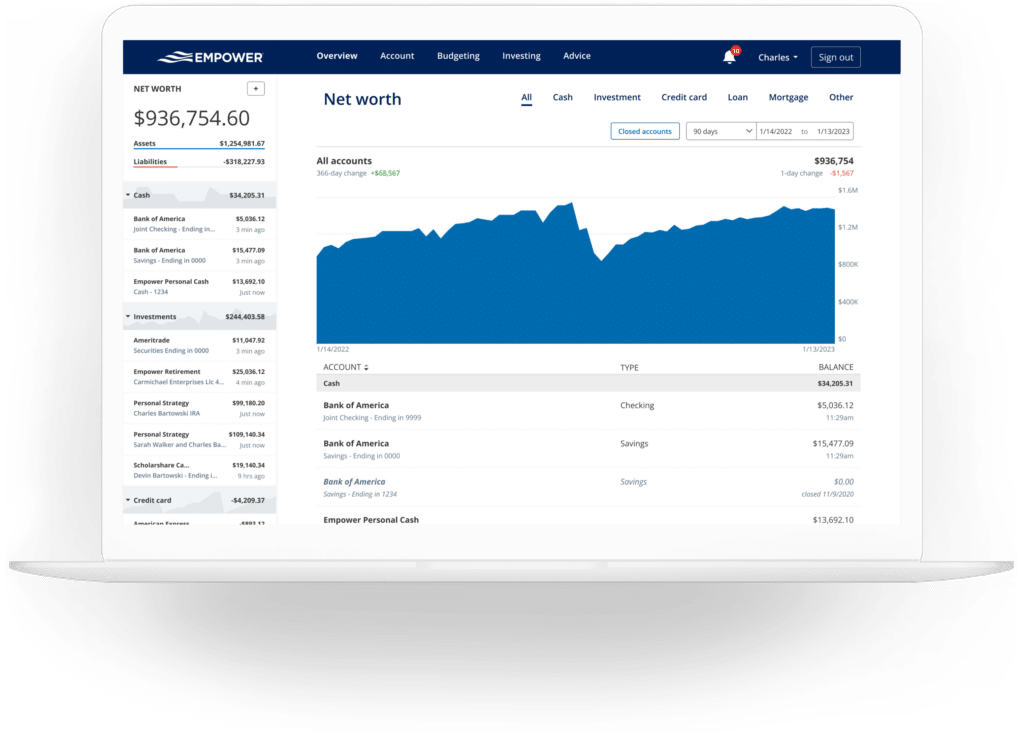
Tracking net worth remains a cornerstone of financial independence. By automating the collection of assets—such as cash, investments, and real estate values pulled directly from Zillow—and subtracting liabilities like mortgages and loans, Empower maintains a continuous ledger of net worth progression without requiring manual spreadsheet updates.
Banking, Cash Flow, and Budgeting
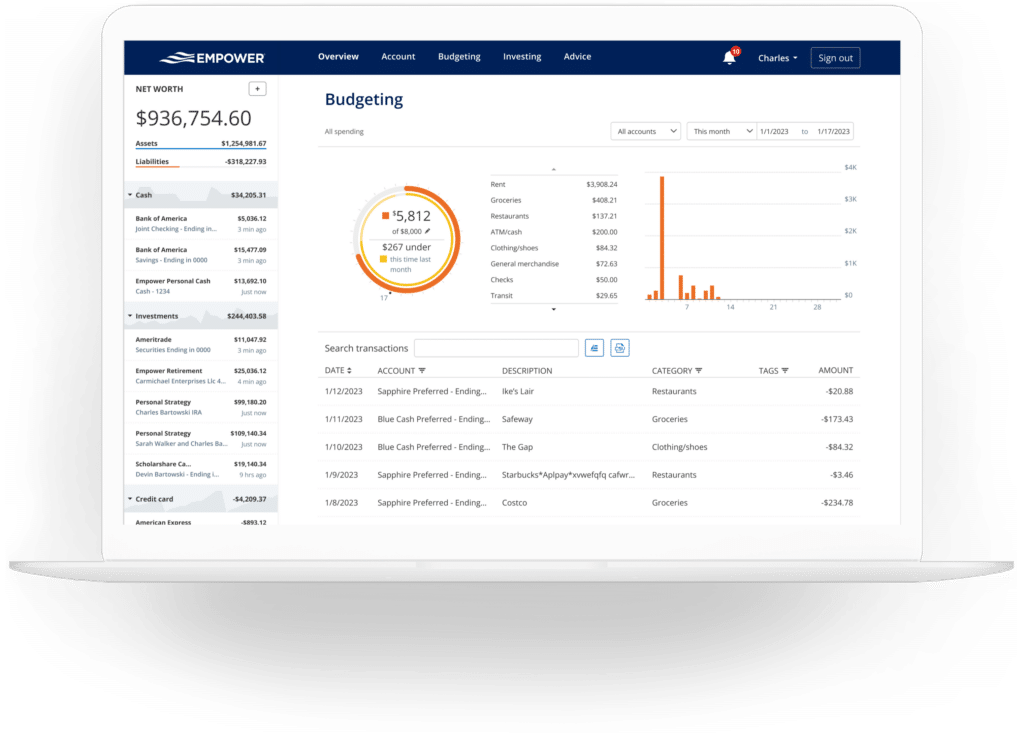
Empower’s banking features offer deep visibility into daily financial habits through robust cash flow and budgeting functions. The cash flow tool displays income and expenses at the granular transaction level, automatically categorizing spending while allowing users to drill down into specific details. Account selection filters enable specialized views, such as isolating business checking and credit card transactions to review professional expenses separately, or filtering strictly for investment accounts to evaluate monthly dividend and interest generation.
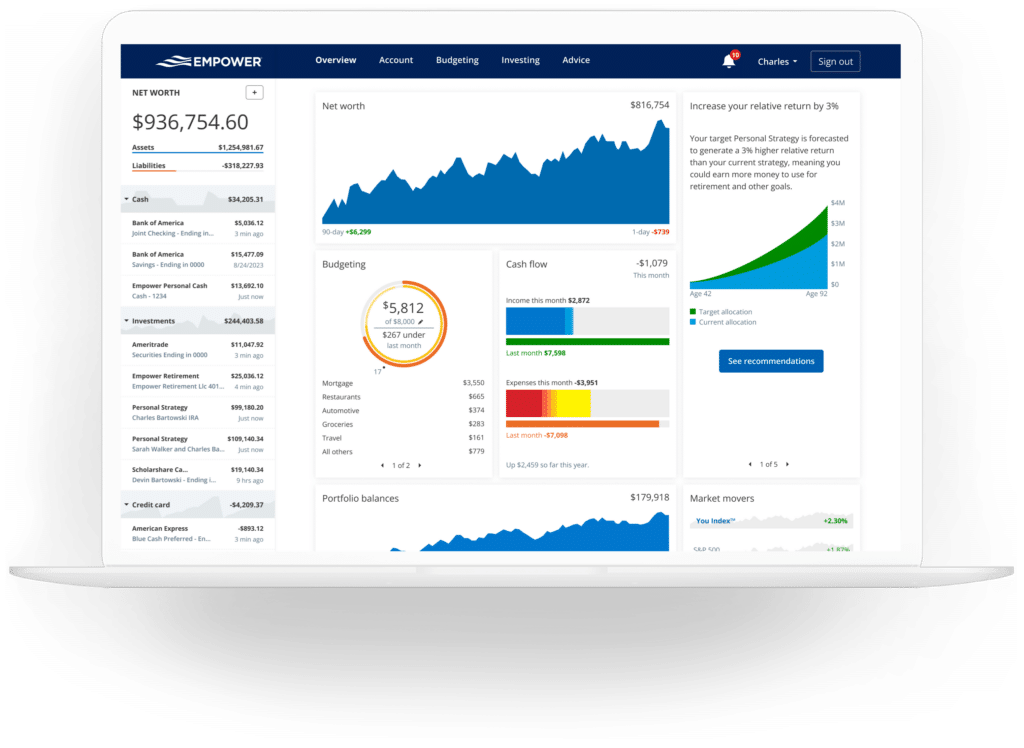
The budgeting functionality operates differently from traditional envelope-style budgeting applications. While users can establish overall monthly spending goals, the platform does not currently support category-specific spending caps. For those requiring granular category budgeting, dedicated tools like YNAB are often recommended as complements. Instead, Empower excels at categorizing and illuminating historical spending patterns imported from linked accounts. Users can customize categories and apply specific tags—such as tracking pool maintenance under a broader home maintenance category—to refine their expense analysis with minimal monthly maintenance.
Furthermore, linking credit cards, mortgages, and loans activates a bill-tracking feature that monitors upcoming payment due dates, helping users avoid late fees and manage cash flow timing throughout the month.
Investment Analytics and Cryptocurrency Tracking
Investment management represents one of Empower’s strongest offerings. Once retirement and taxable accounts are connected, the software tracks performance in real time, updating asset prices throughout the trading day, monitoring mutual fund expenses, and evaluating asset allocation strategies.
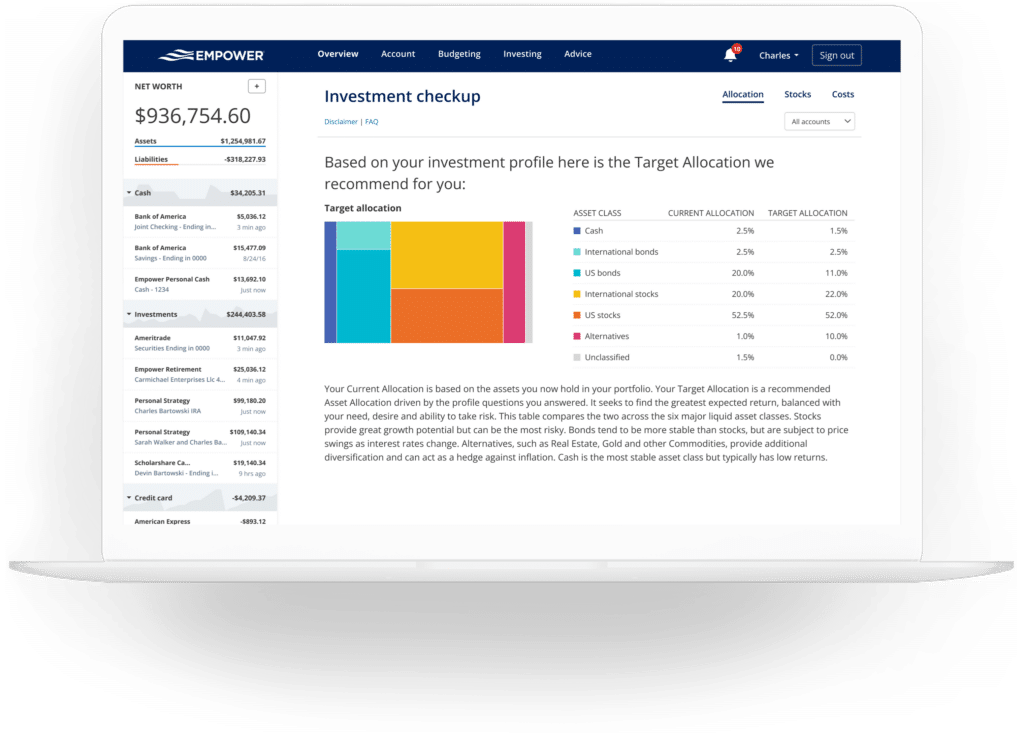
The holdings overview details individual investments, showing ticker symbols, current values, daily changes, and overall portfolio performance metrics. Simultaneously, the asset allocation tool evaluates holdings across domestic and international stocks, bonds, cash, and alternative asset classes. Interactive graphics allow users to explore the underlying composition of each asset class, even identifying cash holdings concealed within stock mutual funds.
Addressing modern asset classes, Empower also accommodates cryptocurrency tracking for tokens such as Bitcoin, Ethereum, and Litecoin. Rather than requiring direct API access or sensitive wallet credentials, investors can manually add crypto assets by specifying the token symbol, exchange, and quantity. The system is equipped to track thousands of digital tokens across hundreds of exchanges.
Financial Planning and Retirement Tools
Beyond observation and tracking, Empower provides sophisticated planning instruments designed to project long-term financial trajectories.
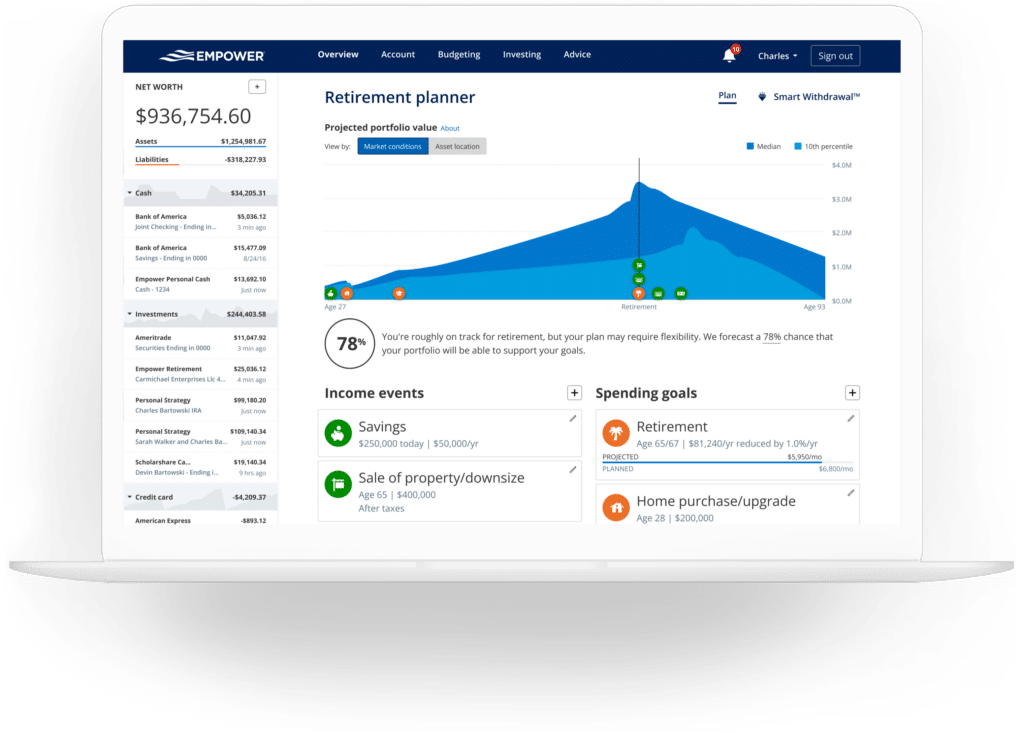
The retirement planner utilizes connected account data to assess retirement readiness through interactive modeling. Users can construct and compare multiple scenarios side-by-side, adjusting variables such as traditional versus early retirement ages, the inclusion or exclusion of Social Security benefits, effective tax rates, projected inflation, and life expectancy assumptions.
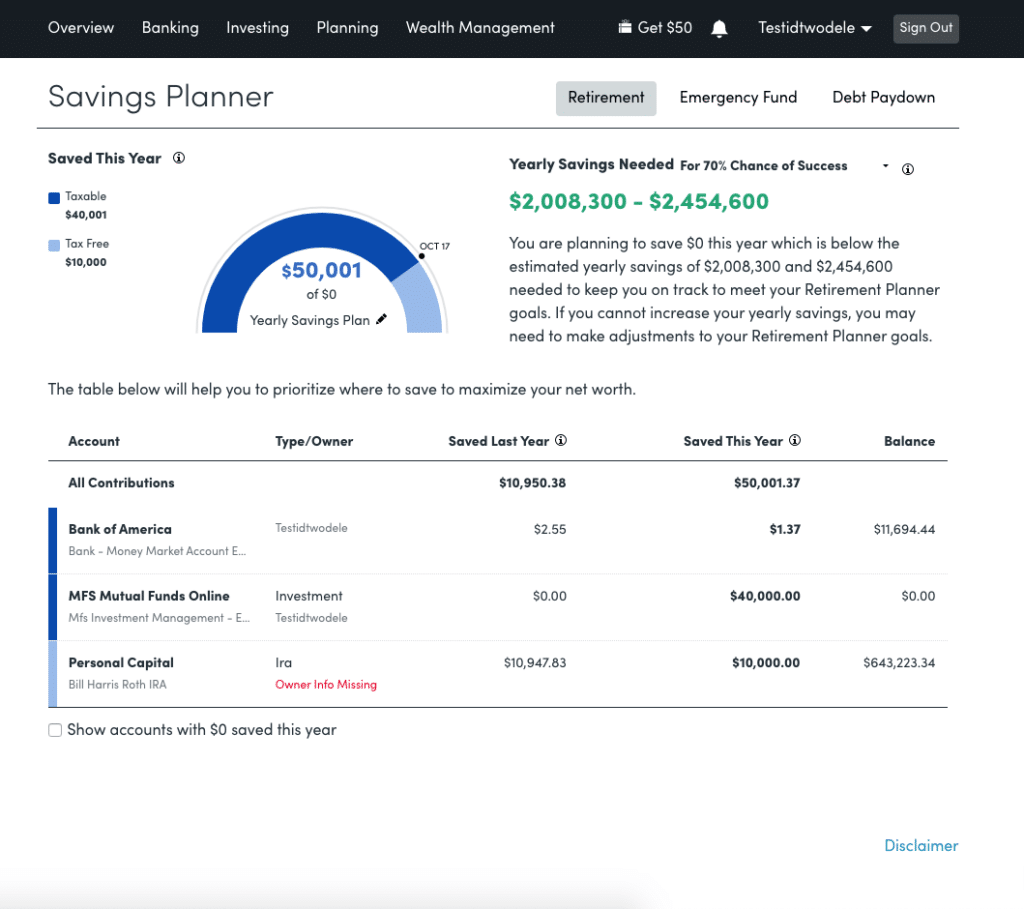
Complementing the retirement planner is the savings planner, which consolidates three distinct functions: retirement savings, emergency fund savings, and debt paydown. The retirement savings planner monitors annual contributions across tax-advantaged accounts like 401(k)s and IRAs alongside taxable accounts, syncing directly with the broader retirement model. The emergency fund planner aggregates linked bank balances, recommending a reserves cushion equal to three to six months of expenses derived from user-defined budget targets. Meanwhile, the debt paydown planner tracks mortgages, car loans, personal loans, and credit cards that accrue interest over rolling 90-day periods, displaying current balances, year-to-date balance changes, and annual percentage rates (APRs).
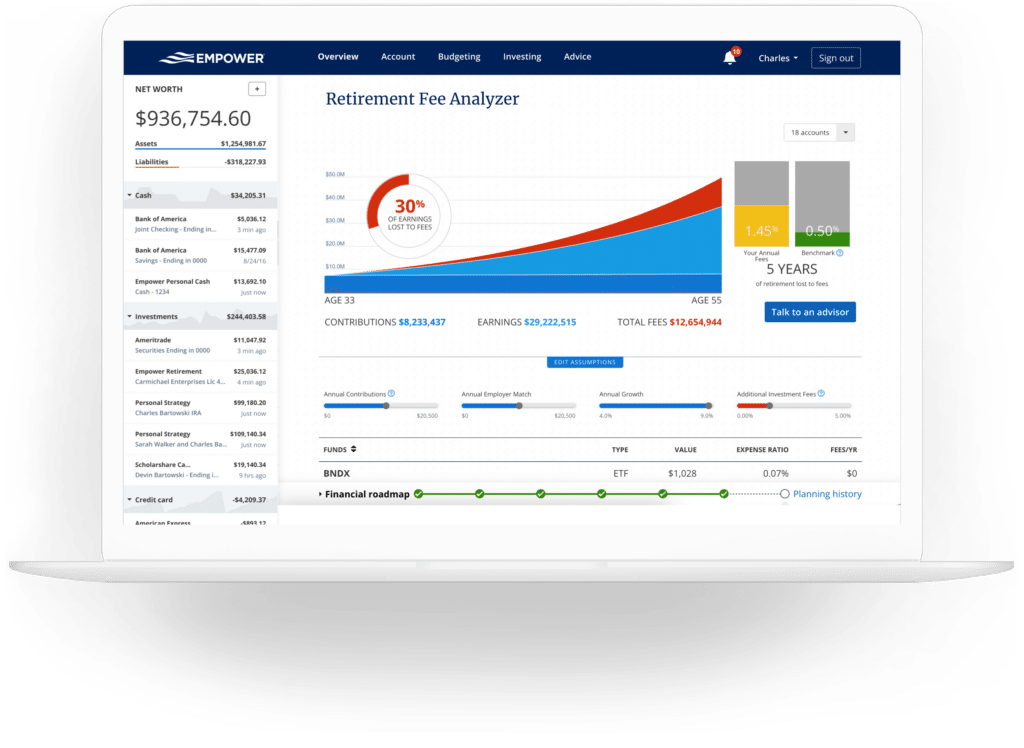
Among the platform’s most notable features is the retirement fee analyzer. By calculating the weighted average expense ratio across all linked portfolios, the tool exposes the long-term wealth impact of seemingly minor investment and advisory fees, projecting cumulative costs over decades. The companion investment checkup tool compares current asset allocations against recommended targets based on age, time horizon, and risk tolerance, providing historical performance projections and actionable rebalancing guidance.
Frequently Asked Questions
Is Empower safe?
Yes. Empower utilizes AES-256 data encryption supported by multi-layer key management, including rotating user-specific keys and salts, ensuring that no individual employee has direct access to user credentials. Device authorization protocols also require identity verification via automated phone calls, emails, or text messages when signing in from unrecognized hardware.
Is Empower really free?
Yes. The core suite of financial dashboard tools, trackers, and calculators is entirely free to use.
Will Empower call me?
Yes. Because the financial dashboard functions partially as a marketing gateway for the company’s paid advisory services, users frequently receive outreach from financial advisors. However, users who prefer not to be contacted can request that calls cease, and the company honors those preferences.
Do I have to invest with Empower to use the dashboard?
No. The dashboard and all associated planning software are accessible independently of any advisory services.
How much does Empower cost?
The digital dashboard is free. For clients electing to utilize professional investment advisory services, fee structures begin at 0.89% annually for the first $1 million under management, scaling down to 0.49% for assets exceeding $10 million.







No comments yet. Be the first to join the conversation!